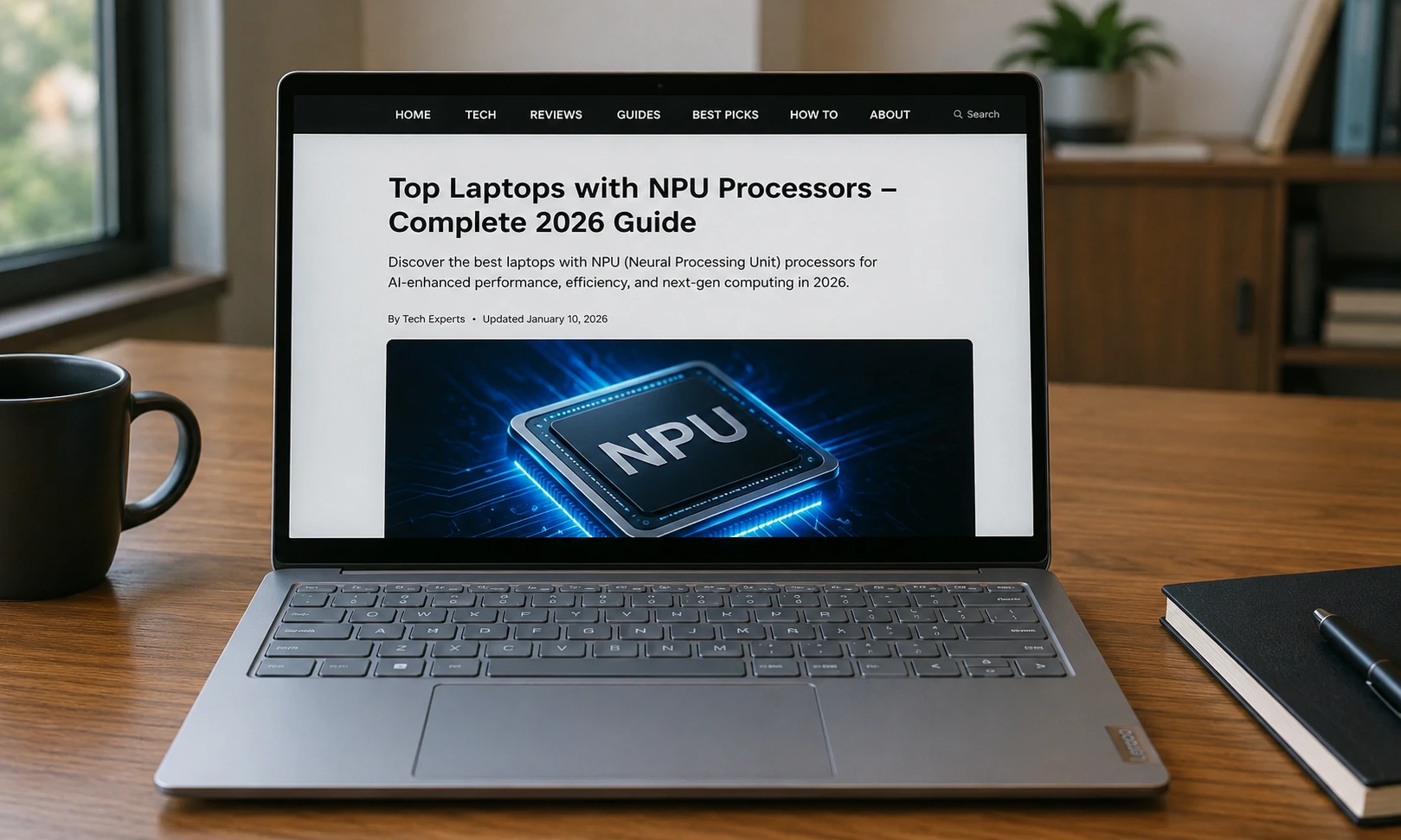
The laptop industry is undergoing a massive transformation in 2026. Traditional CPUs and GPUs are no longer enough to handle the growing demand for artificial intelligence. Today, NPUs (Neural Processing Units) are becoming a standard feature in modern laptops, enabling faster, smarter, and more energy-efficient AI computing.
This guide explores everything in detail — from NPU technology to the best laptops with AI processors, use cases, comparisons, and future trends.
What Is an NPU in Laptops?
A Neural Processing Unit (NPU) is a dedicated AI chip inside modern laptops designed to handle artificial intelligence tasks efficiently. Unlike CPUs and GPUs, NPUs focus only on AI workloads such as machine learning, voice recognition, image processing, and generative AI tasks.
NPUs improve:
- ⚡ Speed of AI processing
- 🔋 Battery efficiency
- 🔐 Privacy (on-device AI)
- 🤖 Real-time AI features
Modern NPUs are measured in TOPS (Tera Operations Per Second), where higher values indicate stronger AI performance.
What is AI PC / Copilot+ Laptop? (Complete Guide 2026)
What Is an NPU (Neural Processing Unit)?
A Neural Processing Unit (NPU) is a specialized processor designed specifically to handle AI-related computations such as machine learning inference, deep learning tasks, and neural network processing.
Unlike CPUs (general-purpose processors) and GPUs (graphics-focused parallel processors), NPUs are optimized for:
- Matrix multiplication (core AI operation)
- Tensor processing
- Neural network inference
- Low-latency AI execution
Deep Technical Understanding
NPUs work by breaking AI tasks into thousands of small mathematical operations and executing them in parallel using dedicated AI cores. This makes them significantly more efficient than CPUs or GPUs for AI workloads.
Modern NPUs can handle:
- Voice assistants running locally
- Real-time language translation
- Image recognition and enhancement
- AI video editing (background blur, auto framing)
- Generative AI tasks (text/image suggestions)
Best AI Laptops in 2026: The Future of Smart Computing (Detailed Guide)
Performance Measurement (TOPS)
NPU performance is measured in TOPS (Tera Operations Per Second):
- 10–20 TOPS → Entry-level AI laptops
- 40–60 TOPS → Copilot+ AI laptops
- 70–100+ TOPS → High-end AI workstations
Higher TOPS = faster AI processing + lower latency + better efficiency.
Why NPUs Matter in Modern Laptops
NPUs are not just a marketing feature — they fundamentally change how laptops work.
1. Faster AI Processing Without Internet
Traditionally, AI tasks were sent to cloud servers. Now NPUs allow:
- Offline AI assistants
- Instant image recognition
- Real-time transcription
- Local chatbot execution
This reduces dependency on internet speed and improves reliability.
2. Massive Power Efficiency Improvement
One of the biggest advantages of NPUs is low power consumption.
For example:
- CPU performing AI task → High battery drain
- GPU performing AI task → Very high power usage
- NPU performing AI task → Minimal energy consumption
This results in:
- 20%–40% better battery life in AI workloads
- Cooler laptop temperatures
- Reduced fan noise
3. Enhanced Privacy and Security
Since NPUs allow on-device AI processing, sensitive data like:
- Voice recordings
- Documents
- Images
- Chat history
…never need to leave your laptop.
This reduces:
- Data leakage risk
- Cloud dependency
- Third-party AI exposure
4. AI Features Like Copilot+ PCs
Modern Windows laptops now include Copilot+ AI features, such as:
- Live captions in multiple languages
- AI image generation
- Smart file search (“Recall” feature)
- Context-aware recommendations
These features require powerful NPUs (often 40+ TOPS).
Gaming Laptop vs Desktop: Which One Should You Choose in 2026?
How to Identify a Laptop with NPU
Not all laptops are AI-ready. Here’s how to identify one:
1. Check the Processor Brand
Look for these AI-enabled chips:
- Intel Core Ultra (Series 1, 2, 3)
- AMD Ryzen AI 300 / 400 Series
- Qualcomm Snapdragon X Elite / X2 Elite
These all include integrated NPUs.
2. Look at Specifications Sheet
Manufacturers often mention:
- NPU TOPS rating
- AI Engine branding
- “AI PC” certification
3. Windows AI PC Label
Microsoft certifies some devices as:
- Copilot+ PCs
- AI PCs
These guarantee NPU capability.
High Performance Gaming Laptops (2026 Guide): Ultimate Buying Guide for Gamers
Latest NPU Processor Platforms (2026 Update)
The AI laptop ecosystem is dominated by three major players.
Intel Core Ultra Series (Latest Generation)
Intel’s Core Ultra processors now integrate:
- CPU cores (performance + efficiency cores)
- Arc GPU
- Dedicated NPU
Key Features:
- Up to 50+ TOPS AI performance
- Strong multitasking capability
- Excellent Windows optimization
- Found in premium ultrabooks
Intel focuses on balanced performance for business + productivity users.
AMD Ryzen AI Series
AMD’s Ryzen AI processors are widely used in gaming + creator laptops.
Key Features:
- Strong CPU multi-core performance
- Efficient NPU integration
- Great for hybrid workloads
- Excellent for creators and editors
AMD focuses more on performance-heavy AI + gaming combination systems.
Qualcomm Snapdragon X Series
Snapdragon X2 Elite is the most AI-efficient architecture currently available.
Key Features:
- Extremely high NPU performance (up to ~80 TOPS)
- ARM-based architecture
- Long battery life
- Always-connected 5G capability
Ideal for mobile professionals and ultra-portable devices.
Top Laptops with NPU Processors (Expanded List)
Below are the most advanced AI laptops available in 2026.
HP OmniBook 7 Series – AI Productivity Leader
HP OmniBook 7 laptops are among the most balanced AI PCs.
Key Highlights:
- Intel Core Ultra processor with integrated NPU
- Optimized for Microsoft Copilot+ features
- Strong battery backup (8–12 hours typical usage)
- Lightweight premium design
Best For:
- Office professionals
- Students
- Business multitasking
AI Advantage:
Handles transcription, summarization, and AI search efficiently without lag.

Top 10 Gaming Laptops Under ₹50,000 (2026 Updated)
Samsung Galaxy Book5 Series – Premium AI Experience
Samsung Galaxy Book5 delivers premium design + AI performance.
Key Highlights:
- Intel Core Ultra processor
- High-resolution display
- Slim ultra-portable design
- Strong ecosystem integration with Samsung devices
Best For:
- Business users
- Travelers
- Productivity-focused professionals
AI Advantage:
Optimized for AI-enhanced video calls, live captions, and smart multitasking.
ASUS Zenbook 14 OLED – Creator Favorite
ASUS Zenbook 14 OLED is designed for creators and designers.
Key Highlights:
- Stunning OLED display
- Intel Core Ultra AI processor
- Lightweight aluminum build
- High color accuracy (100% DCI-P3)
Best For:
- Video editors
- Graphic designers
- Content creators
AI Advantage:
AI-powered image editing, auto enhancements, and smart rendering.
💻 Microsoft Surface AI Laptop – AI Ecosystem Leader
Microsoft Surface Laptop integrates deeply with Windows AI features.
Key Highlights:
- Snapdragon X Elite / Intel AI variants
- Touchscreen display
- Premium build quality
- Deep Windows Copilot integration
Best For:
- Executives
- Developers
- AI early adopters
AI Advantage:
Best integration with Microsoft Copilot+ ecosystem.
ASUS Vivobook S16 AI – Value AI Laptop
ASUS Vivobook S16 is a budget-friendly AI machine.
Key Highlights:
- AMD Ryzen AI processor
- Large display
- Affordable pricing
- Good performance balance
Best For:
- Students
- Entry-level creators
- Budget buyers
AI Advantage:
Handles basic AI tools like writing assistants and image enhancements.
What is a Gaming Laptop? Full Guide + Best Gaming Laptops 2026
Comparison Table (Expanded Insights)
| Feature | Intel Core Ultra Laptops | AMD Ryzen AI Laptops | Snapdragon X Laptops |
|---|---|---|---|
| AI Performance | High | Very High | Ultra Efficient |
| Battery Life | Good | Good | Excellent |
| Gaming Support | Medium | High | Low |
| Creator Workloads | High | Very High | Medium |
| Best Strength | Balanced AI | Performance | Efficiency |
How to Choose the Best NPU Laptop (Detailed Guide)
For Students
Choose laptops with:
- 16GB RAM minimum
- Intel Core Ultra / Ryzen AI
- Lightweight build
👉 Best for study apps, AI notes, assignments
For Professionals
Choose laptops with:
- Strong NPU (40+ TOPS)
- Good battery life
- Microsoft Copilot support
👉 Best for productivity + meetings + automation
For Creators
Choose laptops with:
- OLED display
- Dedicated GPU + NPU combo
- High RAM (32GB recommended)
👉 Best for video editing + design + AI tools
For Power Users
Choose:
- Snapdragon X Elite or Ryzen AI high-end models
- Maximum TOPS performance
- Large storage SSD
Future of NPU Laptops
The future of laptops is clearly AI-driven.
Upcoming trends:
- 100+ TOPS NPUs becoming standard
- Fully offline AI assistants
- Real-time video generation
- AI operating systems
- Smart adaptive performance tuning
Within the next 2–3 years, every laptop will likely include a powerful NPU by default
Gaming Laptop: Complete Guide (Best Gaming Laptop Under ₹50,000 & ₹30,000)
Final Conclusion
NPUs are revolutionizing laptops by bringing real artificial intelligence directly into personal devices. Whether you’re a student, professional, or creator, NPU-powered laptops offer:
- Faster performance
- Better battery life
- Enhanced privacy
- Advanced AI features
The shift toward AI PCs is not optional anymore — it is the future of computing.
Frequently Asked Questions (FAQs)
An NPU (Neural Processing Unit) is a dedicated chip inside modern laptops designed specifically for handling artificial intelligence tasks. Unlike CPUs and GPUs, which handle general computing and graphics, NPUs focus only on AI-related workloads such as voice recognition, image processing, language translation, and generative AI applications.
The importance of NPUs in 2026 laptops is increasing rapidly because AI features are now built into operating systems like Windows Copilot+ and macOS AI tools. Without an NPU, these features rely heavily on the CPU or cloud, which can slow down performance and increase battery usage.
NPUs significantly improve efficiency by processing AI tasks locally on the device. This means faster response times, lower power consumption, and improved privacy since data does not need to be sent to external servers. For example, tasks like real-time transcription during meetings, background blur in video calls, or AI photo editing are handled instantly by the NPU.
In short, NPUs are making laptops smarter, faster, and more energy-efficient, turning them into true AI-powered devices.
In 2026, there are three major processor families that include powerful NPUs and dominate the AI laptop market:
Intel Core Ultra Series – Known for balanced performance, strong multitasking, and integrated AI acceleration. These processors are widely used in business and productivity laptops.
AMD Ryzen AI Series – Offers strong CPU performance along with powerful AI processing capabilities, making them ideal for creators and gamers.
Qualcomm Snapdragon X Elite / X2 Elite – These ARM-based processors deliver extremely high AI efficiency with excellent battery life and powerful NPU performance.
Each of these processors integrates an NPU that can handle AI workloads efficiently, often ranging from 40 TOPS to over 80 TOPS. The choice depends on user needs: Intel for productivity, AMD for performance-heavy tasks, and Snapdragon for portability and battery efficiency.
Yes, NPU-powered laptops are excellent for both students and professionals. For students, these laptops help with tasks like note summarization, real-time translation, voice-to-text conversion, and AI-based study assistance. This makes learning faster and more interactive.
For professionals, NPU laptops improve productivity by enabling features such as AI meeting summaries, automatic email drafting, intelligent search, and background task optimization. They are especially useful in business environments where multitasking and communication efficiency are important.
Another major benefit is battery efficiency. Since NPUs handle AI tasks instead of the CPU or GPU, laptops consume less power, resulting in longer battery life—an important factor for students attending classes or professionals working remotely.
Overall, NPU laptops are not just useful—they are becoming essential for modern digital workflows.
TOPS stands for Tera Operations Per Second, and it is used to measure the performance of NPUs. It indicates how many trillion AI operations a processor can perform in one second.
For example:
10–20 TOPS → Basic AI tasks like voice commands
40–60 TOPS → Advanced AI features like Copilot+
70–100+ TOPS → High-performance AI computing and generative AI tasks
Higher TOPS means faster and more efficient AI processing. In 2026, most premium AI laptops require at least 40 TOPS to support full Copilot+ features.
However, TOPS is not the only factor. Real-world performance also depends on system optimization, RAM, storage speed, and software integration. Still, TOPS is the easiest way to compare NPU strength across different laptops.
Yes, buying a laptop with an NPU in 2026 is highly recommended, especially if you plan to use AI-powered applications. NPU laptops are future-ready and designed to support upcoming AI features that are becoming standard in operating systems and software tools.
These laptops offer several advantages:
Faster AI processing
Better battery life
Enhanced privacy (on-device processing)
Support for Copilot+ and advanced AI features
Improved multitasking efficiency
However, if your usage is very basic (like browsing, watching videos, or simple office work), an NPU laptop is not strictly necessary but still a good investment for future-proofing.
In conclusion, NPU laptops are becoming the new standard in computing, and choosing one in 2026 ensures better performance, longer usability, and access to next-generation AI features.
We’d Love to Hear From You!
We hope this guide on Top Laptops with NPU Processors in 2026 helped you understand everything about AI-powered laptops and how they are changing modern computing.
If you found this article useful, please take a moment to share your thoughts below. Your feedback helps us improve and create better content for you.
Leave a Comment
What do you think about NPU-powered laptops?
Which AI laptop are you planning to buy in 2026?
Do you think AI PCs are the future of computing?
💬 Drop your opinion in the comments section below—we’d love to hear from you!
Why Your Comment Matters
- It helps other readers make better decisions
- It supports our content growth
- It encourages more detailed tech guides like this
Stay Connected
If you enjoyed this article, don’t forget to:
- Bookmark our website for more tech guides
- Share this post with your friends
- Check out our latest AI laptop reviews and updates
Thank you for reading! Your feedback is highly appreciated.
[…] Top Laptops with NPU Processors – Complete 2026 Guide […]
[…] Top Laptops with NPU Processors – Complete 2026 Guide […]