









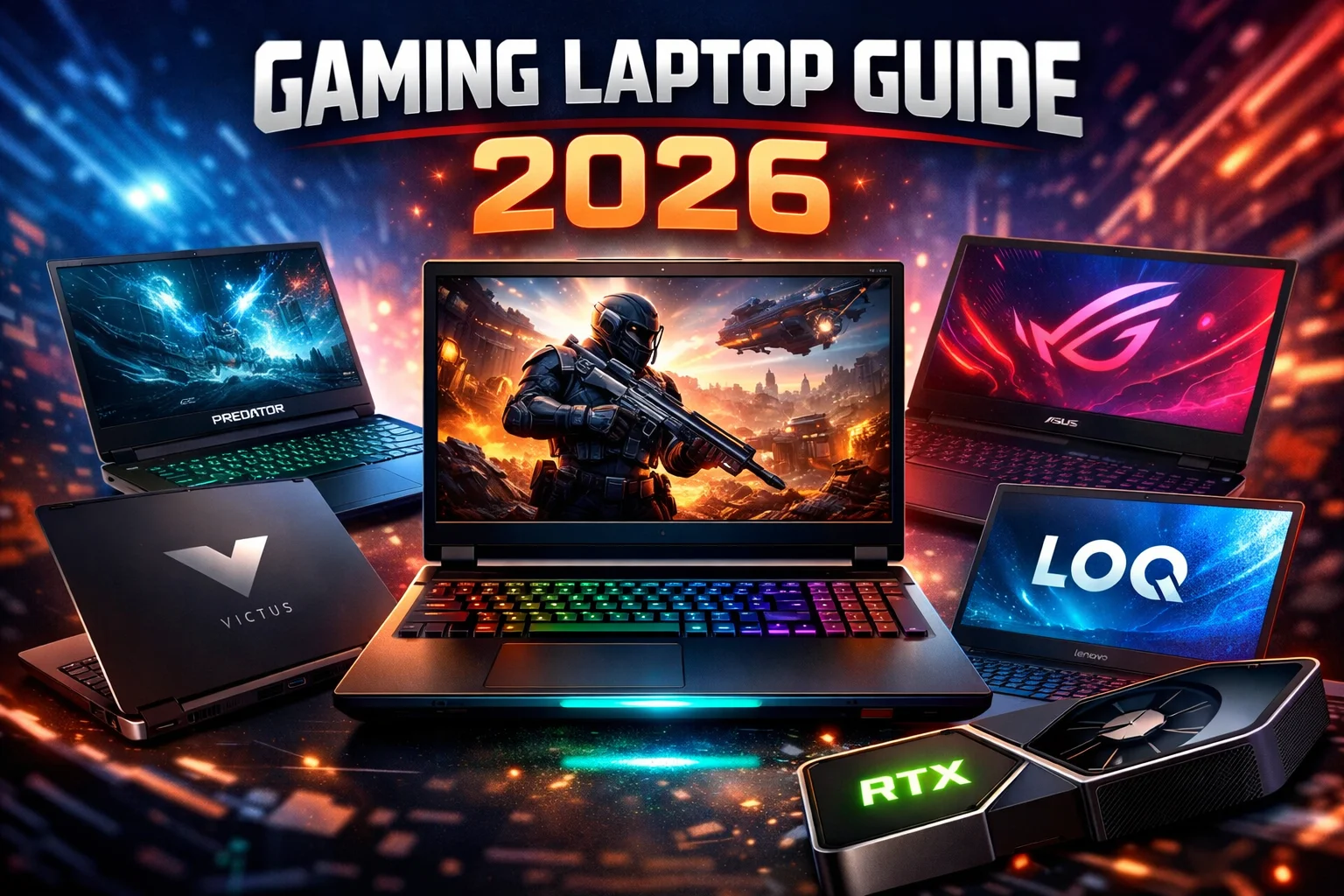
A gaming laptop is a powerful, performance-focused portable computer designed specifically for running modern video games smoothly, handling high graphics workloads, and delivering fast processing speeds.
Unlike normal laptops, gaming laptops include high-end GPUs, fast CPUs, advanced cooling systems, and high refresh rate displays, making them capable of handling AAA games, esports titles, and heavy software like video editing or 3D rendering tools.
In 2026, gaming laptops have become more powerful than ever, with GPUs like RTX 4060, RTX 4070, and even RTX 50-series delivering desktop-level performance in a portable form factor.
Introduction to Gaming Laptops (Detailed)
Gaming laptops are no longer just for gamers—they are now used by:
- Content creators (YouTubers, editors)
- Developers & AI engineers
- Students (engineering, design)
- Streamers & professionals
Earlier, gaming laptops were bulky and overheated easily. But modern laptops now come with:
- Slim designs
- Better cooling systems
- AI-powered performance optimization
This means you can now carry desktop-level performance in your bag.
Key Components of a Gaming Laptop (Deep Explanation)
1. Processor (CPU)
The CPU handles all calculations and system operations.
Modern gaming laptops use:
- Intel Core i5 / i7 / i9 (13th & 14th Gen)
- AMD Ryzen 5 / 7 / 9 (7000 & 8000 series)
Why CPU Matters:
- Controls game logic and physics
- Helps in streaming + gaming together
- Improves FPS stability
👉 Example:
- i5 = Basic gaming
- i7 = High performance gaming
- i9 = Professional gaming + streaming
2. Graphics Card (GPU) – MOST IMPORTANT
The GPU is the heart of a gaming laptop.
Popular GPUs:
- RTX 3050 / 4050 → Budget gaming
- RTX 4060 → Best value
- RTX 4070 → Best performance balance
- RTX 4080 / 4090 → Ultra gaming
👉 In 2026:
- RTX 4060 = Best price-to-performance for 1080p gaming
- RTX 4070 = Better for 1440p and long-term usage
👉 RTX 4070 laptops are trending because they offer:
- Smooth AAA gaming
- Ray tracing
- DLSS AI performance boost
3. RAM (Memory)
RAM stores temporary data for smooth operation.
Detailed Recommendation:
- 8GB → Not recommended now
- 16GB → Best for gaming (2026 standard)
- 32GB → Future-proof + heavy tasks
More RAM = better multitasking + no lag.
4. Storage (SSD vs HDD)
Gaming laptops use SSD for speed.
Why SSD is Important:
- Faster boot time
- Faster game loading
- Smooth performance
Recommended:
- 512GB SSD (minimum)
- 1TB SSD (ideal for gamers)
5. Display (Very Important for Gamers)
Gaming laptops have advanced displays:
Key Features:
- Refresh Rate → 144Hz / 165Hz / 240Hz
- Resolution → Full HD / QHD / 4K
- Panel → IPS / OLED
👉 Higher refresh rate = smoother gameplay
👉 OLED displays now trending in premium laptops
6. Cooling System (Thermal Performance)
Gaming laptops generate heat.
Modern cooling includes:
- Dual fans
- Liquid metal cooling
- Vapor chamber technology
👉 Cooling affects performance more than specs:
A weak cooling system can reduce FPS drastically.
7. Battery Life
Gaming laptops:
- Last 3–6 hours (normal use)
- 1–2 hours (heavy gaming)
Reason: powerful hardware consumes more energy.
Features of Gaming Laptop (Expanded)
Gaming laptops include premium features:
RGB Keyboard
- Custom lighting
- Gaming aesthetics
High Refresh Rate Screen
- Smooth visuals
- Competitive advantage
Gaming Software
- Performance control
- Fan speed control
Strong Build Quality
- Durable body
- Premium design
Types of Gaming Laptops (Detailed)
1. Entry-Level Gaming Laptop
- GPU: GTX 1650 / RTX 3050
- Price: ₹50,000–₹80,000
- Use: Light gaming
2. Mid-Range Gaming Laptop (MOST POPULAR)
- GPU: RTX 4060
- Price: ₹80,000–₹1,20,000
- Best for:
- PUBG, GTA V, Valorant
- 1080p high settings
👉 This is the best value segment in 2026
3. High-End Gaming Laptop
- GPU: RTX 4070 / 4080 / 4090
- Price: ₹1,20,000+
- Use:
- AAA games
- Ultra settings
- Streaming
🔥 Best Trending Gaming Laptops (2026)
Here are the most trending gaming laptops with companies:
🏆 Best Overall Gaming Laptop
ASUS ROG Strix G16 Gaming Laptop
₹1,22,990•JioMart Electronics
3.9(15)
₹1,22,990•JioMart Electronics•
3.9(15)
👉 Why trending:
- RTX 4060 / 4070 options
- Excellent cooling
- High FPS gaming
💰 Best Value Gaming Laptop
Lenovo LOQ Gaming Laptop · ₹1,22,500
Affordable RTX 4060 gaming laptop with strong performance and great build quality.
👉 Best for:
- Budget gamers
- Students
- Value performance
⚡ Best Performance Laptop
Acer Predator Helios 16 Gaming Laptop · ₹1,55,931 · 4.4
High-end gaming laptop with powerful GPU and premium display for ultra gaming.
👉 Why buy:
- RTX 4070/4080 options
- Premium build
- Best for AAA gaming
🎯 Best Budget Gaming Laptop
HP Victus Gaming Laptop · ₹91,748
Entry-level gaming laptop offering solid performance for casual gamers at affordable price.
👉 Best for:
- Beginners
- Light gaming
🎮 Best Mid-Range Laptop
Acer Predator Neo Gaming Laptop · ₹1,20,990
Balanced gaming laptop with strong performance, cooling, and display in mid-range segment.
👉 Perfect for:
- 1080p/1440p gaming
- Long-term use
📊 Product Comparison Table (Must for SEO + Buying Decision)
| Feature | ASUS ROG Strix G16 Gaming Laptop₹1,22,990•JioMart Electronics | Lenovo LOQ Gaming Laptop₹1,22,500•amazon.in + others | Acer Predator Helios 16 Gaming Laptop₹1,55,931•Flipkart + others | HP Victus Gaming Laptop₹91,748•amazon.in | Acer Predator Neo Gaming Laptop₹1,20,990•Flipkart + others |
|---|---|---|---|---|---|
| GPU | RTX 4060/4070 | RTX 4060 | RTX 4070/4080 | RTX 3050/4050 | RTX 4060 |
| Performance | ⭐⭐⭐⭐⭐ | ⭐⭐⭐⭐ | ⭐⭐⭐⭐⭐ | ⭐⭐⭐ | ⭐⭐⭐⭐ |
| Display | 165Hz–240Hz | 144Hz | 240Hz/QHD | 144Hz | 165Hz |
| Cooling | Advanced | Good | Premium | Basic | Very Good |
| Best For | Pro Gaming | Budget Value | Ultra Gaming | Beginners | Balanced Gaming |
| Price Range | ₹1.2L+ | ₹90K–1.2L | ₹1.5L+ | ₹60K–90K | ₹1L–1.3L |
Advantages of Gaming Laptops (Expanded)
- High performance for heavy tasks
- Portable compared to desktop
- Multi-purpose device
- Future-proof investment
- Great for gaming + work
Disadvantages (Expanded)
- Expensive
- Low battery life
- Heating issues
- Heavy weight
- Limited upgrades
Who Should Buy a Gaming Laptop?
Gaming laptops are perfect for:
- Gamers 🎮
- Students 👨🎓
- Creators 🎥
- Developers 💻
Conclusion (Detailed)
A gaming laptop is not just for gaming anymore—it is a powerful all-in-one machine capable of handling everything from AAA games to professional workloads.
👉 If you want:
- Portability + power → Gaming laptop
- Maximum performance + low cost → Desktop
In 2026:
- RTX 4060 = Best value
- RTX 4070 = Best long-term choice
Choosing the right laptop depends on your budget, gaming needs, and usage type.
🔥 Gaming Laptop FAQs (SEO Optimized – 2026)
1. What is a gaming laptop and how is it different from a normal laptop?
A gaming laptop is a high-performance portable computer designed specifically for playing video games and handling heavy tasks like video editing, 3D rendering, and streaming. Unlike normal laptops, gaming laptops come with dedicated graphics cards (GPU), powerful processors, high refresh rate displays, and advanced cooling systems. These features allow them to run modern AAA games smoothly, whereas regular laptops struggle with heavy graphics and multitasking. Gaming laptops are also built with better thermal management and performance optimization, making them ideal for intensive workloads.
2. Are gaming laptops worth buying in 2026?
Yes, gaming laptops are absolutely worth buying in 2026 due to significant improvements in performance, cooling, and portability. Modern gaming laptops now offer desktop-level performance with GPUs like RTX 4060 and RTX 4070, making them suitable for both gaming and professional work. They are especially valuable for users who need a powerful machine for gaming, content creation, or development while also requiring portability. However, if your usage is limited to basic tasks like browsing or office work, a normal laptop would be more cost-effective.
3. What are the minimum requirements for a gaming laptop?
The minimum requirements for a gaming laptop in 2026 include at least an Intel Core i5 or AMD Ryzen 5 processor, 16GB RAM, and a dedicated GPU like NVIDIA RTX 3050 or RTX 4050. Additionally, a 512GB SSD is recommended for faster loading speeds, and a display with at least a 144Hz refresh rate ensures smooth gameplay. These specifications are sufficient for running most modern games at medium to high settings without major lag.
4. Which is the best gaming laptop under ₹1 lakh in India?
The best gaming laptop under ₹1 lakh in India typically includes models with RTX 3050 or RTX 4060 GPUs. Laptops like Lenovo LOQ, HP Victus, and Acer Nitro series are popular choices in this budget. These laptops offer excellent performance for 1080p gaming, good build quality, and efficient cooling systems. They are ideal for students and budget gamers who want strong performance without spending too much.
5. How much RAM is required for gaming laptops?
In 2026, 16GB RAM is considered the standard for gaming laptops. It allows smooth gameplay, multitasking, and background processes like streaming or voice chat. While 8GB RAM is no longer sufficient for modern games, 32GB RAM is recommended for advanced users such as streamers, video editors, or those who want future-proof performance. More RAM ensures better stability and reduces lag during heavy usage.
6. Which GPU is best for gaming laptops in 2026?
The best GPU for gaming laptops in 2026 depends on your budget and needs. RTX 4060 is the best value GPU for most gamers, offering excellent performance for 1080p and even 1440p gaming. RTX 4070 is ideal for high-end gaming and long-term usage, while RTX 4080 and 4090 are designed for ultra settings and professional-level performance. NVIDIA GPUs are preferred due to features like ray tracing and DLSS.
7. Can gaming laptops be used for work and study?
Yes, gaming laptops are highly versatile and can be used for work, study, and professional tasks. Their powerful hardware makes them suitable for programming, video editing, graphic design, and even AI or machine learning tasks. Students in technical fields like engineering or animation often prefer gaming laptops because they can handle heavy software easily. However, they may be heavier and have shorter battery life compared to normal laptops.
8. How long do gaming laptops last?
A good gaming laptop can last between 4 to 6 years depending on usage and maintenance. High-end models with powerful GPUs and CPUs tend to last longer because they can handle future games and software updates more effectively. Regular maintenance like cleaning dust, updating drivers, and managing heat can significantly extend the lifespan of a gaming laptop.
9. Do gaming laptops overheat?
Gaming laptops can generate heat due to high-performance components, but modern laptops come with advanced cooling systems to manage temperatures effectively. Features like dual fans, heat pipes, and liquid metal cooling help prevent overheating. However, improper ventilation or heavy usage without cooling support can still cause heat issues. Using a cooling pad and keeping the laptop clean can help maintain optimal performance.
10. Is SSD necessary in a gaming laptop?
Yes, SSD is essential in a gaming laptop because it significantly improves speed and performance. SSDs reduce boot time, load games faster, and enhance overall system responsiveness. Compared to traditional HDDs, SSDs are much faster and more reliable. In 2026, at least a 512GB SSD is recommended, while 1TB is ideal for gamers who install multiple large games.
11. What is the ideal screen size for a gaming laptop?
The ideal screen size for a gaming laptop is between 15.6 inches and 17.3 inches. A 15.6-inch display offers a good balance between portability and usability, while a 17.3-inch display provides a more immersive gaming experience. The choice depends on whether you prioritize portability or a larger viewing area for gaming.
12. What refresh rate is best for gaming laptops?
A refresh rate of 144Hz is considered the minimum standard for gaming laptops in 2026. It provides smoother gameplay compared to 60Hz displays. For competitive gaming, 165Hz or 240Hz displays are recommended as they offer faster response times and better motion clarity, giving players a competitive advantage in fast-paced games.
13. Can I upgrade a gaming laptop?
Yes, gaming laptops can be upgraded to some extent. You can usually upgrade RAM and storage (SSD), but upgrading the CPU or GPU is not possible in most laptops. Therefore, it is important to choose a laptop with good specifications from the beginning to ensure long-term usability.
14. Are gaming laptops good for video editing?
Yes, gaming laptops are excellent for video editing because they come with powerful CPUs and GPUs. These components help in faster rendering, smooth playback, and efficient multitasking. Many video editors prefer gaming laptops because they can handle software like Adobe Premiere Pro, After Effects, and DaVinci Resolve without lag.
15. Which company is best for gaming laptops?
Top gaming laptop brands include ASUS ROG, Lenovo Legion, Acer Predator, HP Omen, MSI, and Dell Alienware. These companies are known for their performance, build quality, and advanced features. ASUS and Lenovo are particularly popular for offering great value, while Alienware is known for premium high-end gaming laptops.
16. Do gaming laptops consume more electricity?
Yes, gaming laptops consume more electricity than regular laptops due to their powerful hardware. High-performance GPUs and CPUs require more power, especially during gaming sessions. However, modern laptops are becoming more energy-efficient, and power consumption can be managed through settings and optimization.
17. Is a gaming laptop better than a gaming PC?
Gaming laptops offer portability and convenience, while gaming PCs provide better performance and upgrade options. If you need mobility, a gaming laptop is the better choice. However, for maximum performance and value for money, a gaming PC is generally superior.
18. What is DLSS in gaming laptops?
DLSS (Deep Learning Super Sampling) is an AI-based technology developed by NVIDIA that improves gaming performance. It allows games to run at higher frame rates by rendering at a lower resolution and then upscaling using AI. This results in better performance without sacrificing much visual quality.
19. How much storage do I need for gaming?
Modern games are large in size, often ranging from 50GB to 150GB. Therefore, at least 512GB SSD is required, but 1TB is recommended for gamers who install multiple games. Some users also use external storage for additional space.
20. Are gaming laptops heavy?
Yes, gaming laptops are generally heavier than normal laptops because they include powerful hardware and cooling systems. Most gaming laptops weigh between 2 kg to 3 kg. However, newer models are becoming slimmer and lighter compared to older designs.
21. Can gaming laptops run all games?
Yes, most gaming laptops can run all modern games, but performance depends on the specifications. High-end laptops with RTX 4070 or above can run games at ultra settings, while budget laptops may need to run games on medium or high settings.
22. What is ray tracing in gaming laptops?
Ray tracing is a graphics technology that simulates realistic lighting, shadows, and reflections in games. It enhances visual quality but requires a powerful GPU like NVIDIA RTX series to run smoothly.
23. Is 4K display necessary for gaming laptops?
No, a 4K display is not necessary for gaming laptops. Most gamers prefer Full HD or QHD displays with high refresh rates because they offer better performance and smoother gameplay. 4K is more suitable for content creation.
24. How to maintain a gaming laptop?
To maintain a gaming laptop, keep it clean, use a cooling pad, update drivers regularly, avoid overheating, and ensure proper ventilation. Regular maintenance helps improve performance and extend lifespan.
25. Are gaming laptops future-proof?
Gaming laptops with high-end specifications like RTX 4060 or RTX 4070, 16GB RAM, and modern CPUs are considered future-proof for at least 3–5 years. Choosing better hardware ensures longer usability.
26. Which gaming laptop is best for students?
Gaming laptops like HP Victus, Lenovo LOQ, and Acer Nitro are ideal for students because they offer good performance at affordable prices. They can handle both gaming and academic tasks efficiently.
27. Can gaming laptops be used for streaming?
Yes, gaming laptops are excellent for streaming because they have powerful CPUs and GPUs. They can handle live streaming, gaming, and recording simultaneously without performance issues.
28. Do gaming laptops make noise?
Yes, gaming laptops can produce noise due to cooling fans, especially during heavy gaming. However, modern laptops include optimized fan systems to reduce noise levels.
29. What is the best budget gaming laptop?
The best budget gaming laptops in 2026 include models with RTX 3050 or RTX 4050 GPUs. They provide decent performance for casual gaming and are affordable for beginners.
30. Should I buy a gaming laptop or normal laptop?
If your usage includes gaming, video editing, or heavy tasks, you should buy a gaming laptop. If you only need a laptop for basic tasks like browsing and office work, a normal laptop is sufficient.